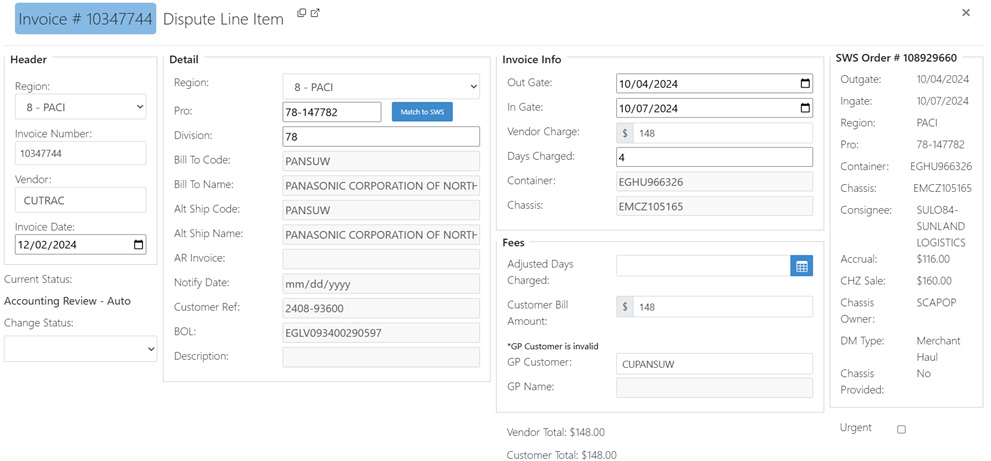
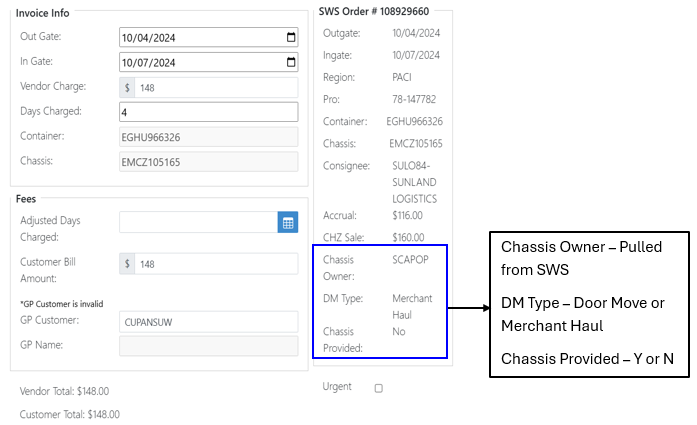
Updates to SWS Order Section – Line Item Details
Customer Invoice Retrieval and Email Automation
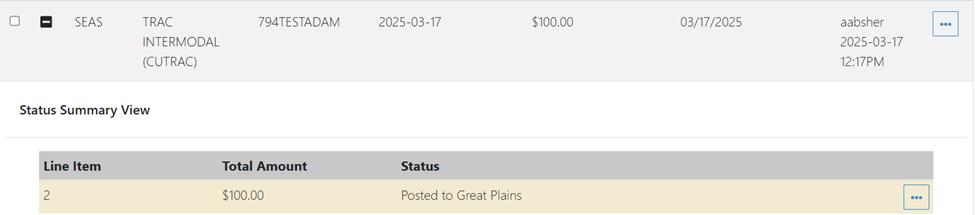
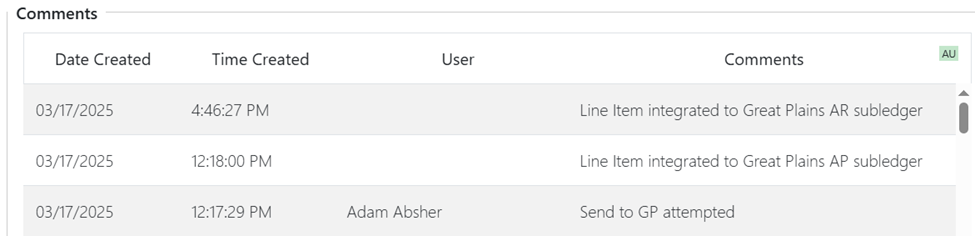
After successful GP MEM Integration, users will see the submitted line items in Posted to GP status.
Shortly after successful integration, users will receive an email with the Customer Invoice attached. If an email address is on file for the customer, that email address will be visible in the “To” field. (As below)
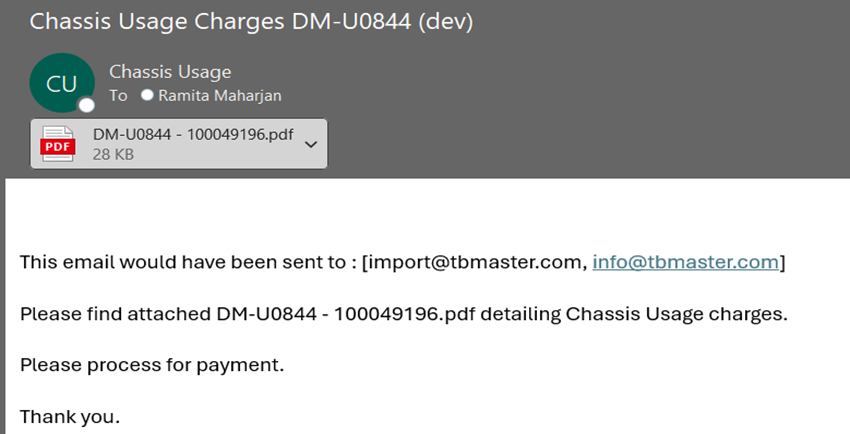
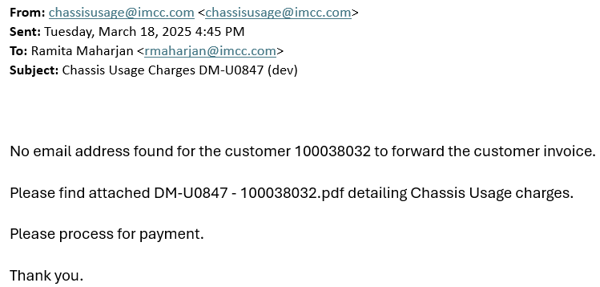
If no email address is found, an email will be sent to EQ Audit leadership team with the customer invoice attached stating that no email address was found. (Example below)