Pool Mode manages equipment pools across your market. It shows the empties at each customer location, and it's where you keep them moving so they don't sit and rack up per diem.
Getting into Pool Mode
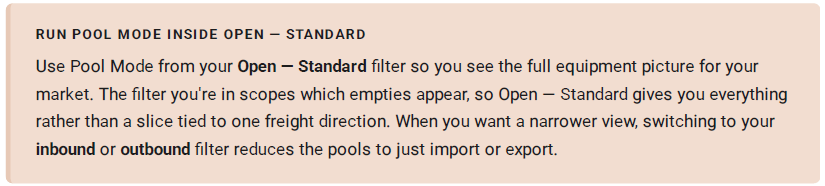
Click the Dispatch dropdown at the top of the D.O., then select Pool. The view switches from freight moves to the empties in your filtered region.
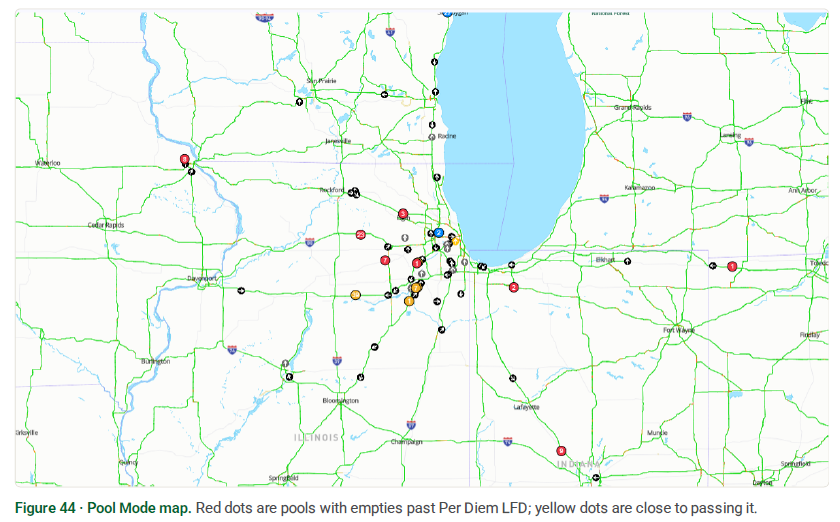
Work the map, work the colours
Map view is the recommended view for Pool Mode. The dots tell you what's urgent at a glance:

Inside a pool
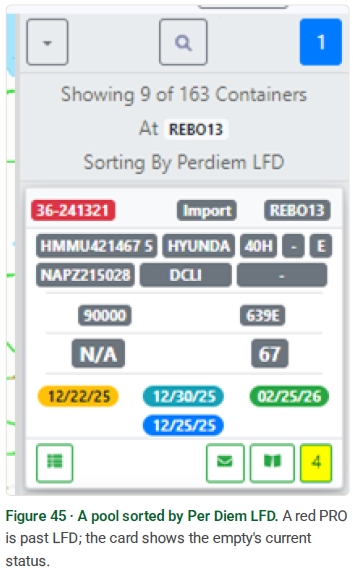
Click a pool to sort its empties by Per Diem LFD. The header shows how many of the pool's total containers you're viewing and confirms the sort. A red PRO means that empty is past LFD. Each card tells you its state: assigned to a driver, needs to be notified, still needs assignment, or still at the customer and missing an empty leg.
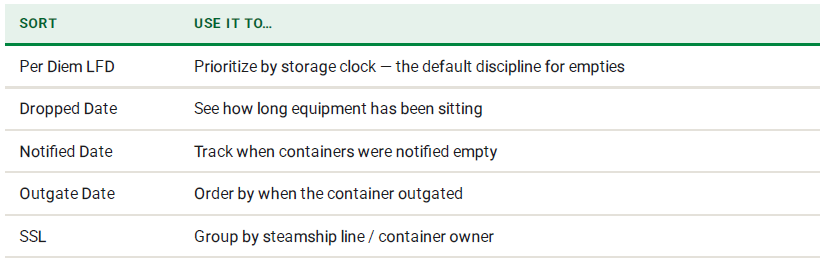
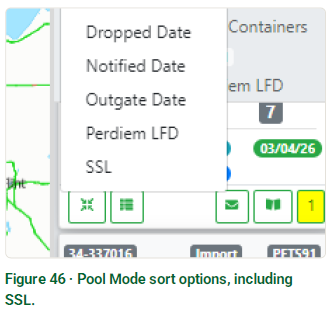
Sort options in Pool Mode
Click the sort to reorder a pool by any of these: