
From SWS main menu go to Customer Service, left click on Order Entry, then left click on New Order Screen.
The New Order screen replaces the Legacy version.
The below screen will display:
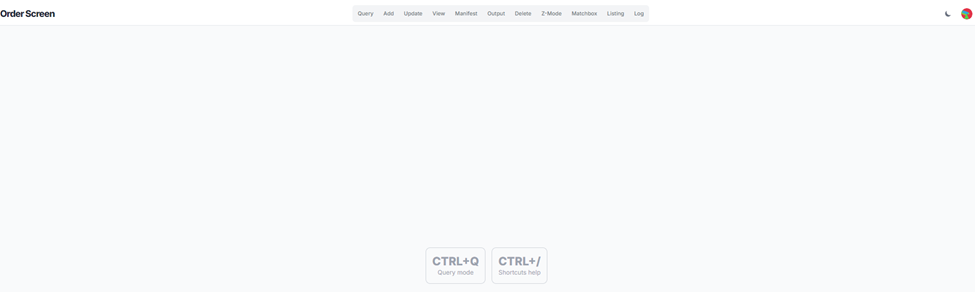
Use the CTRL+Q command to initiate “Query” mode. The below screen will then display:
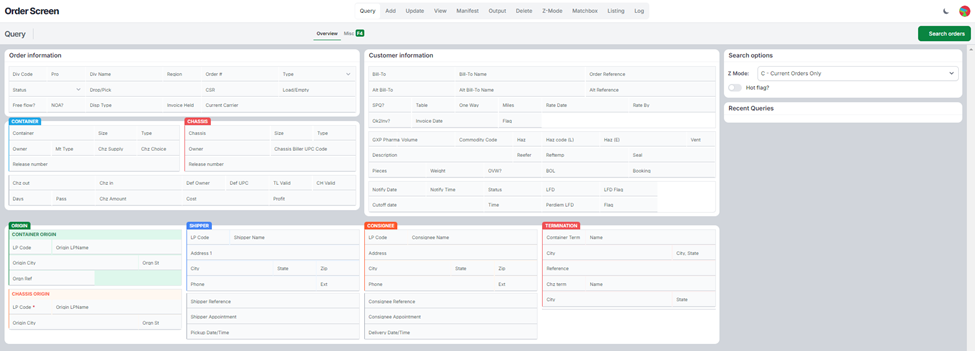
Use the <Tab> button or position the cursor in the field(s) you want to “Query”.
When done, use the CTRL+Enter to execute the “Query” or left click on the “Search orders” action button located at the top of the screen. (As below)

NOTE: To perform another “Query”, repeat the process outlined above.