The New Location Profile (LP) screen replaces the Legacy version.
To access the Location Profile Screen from SWS main menu, go to Customer Service, left click on File Maintenance, then left click on NewLocationProfileScreen
To look up or Search for an existing Location Profile, position the cursor in any field on the screen once launched.
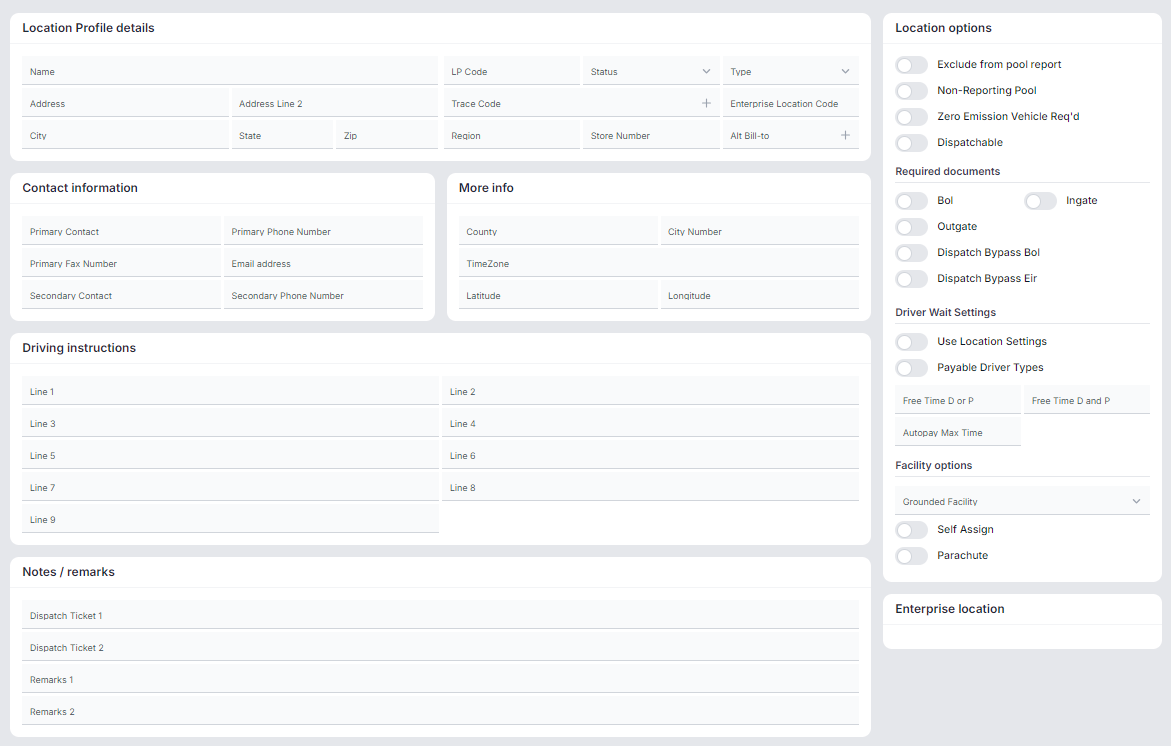
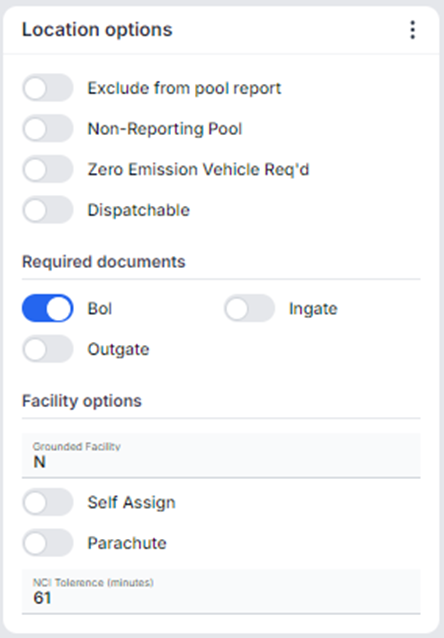
Multiple fields can be queried at the same time including the “Location options” located at the right of the screen. (See below examples)

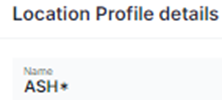
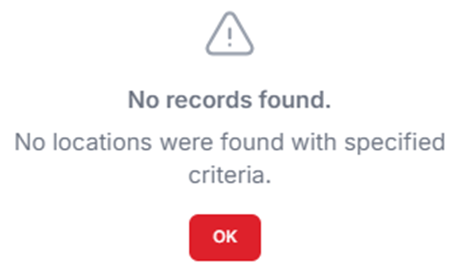
NOTE: The system will return all LP records that match the queried data. The use of the * when executing a query is not supported and will display the below message:
To RUN a query, hold down the <CTRL> key then hit the “Enter” key or left click on the “Run query” button located at the top right of the screen. (As below)

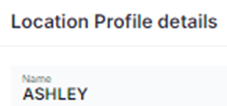
In the example below, just searching “Ashley” in the “Name” field resulted in 14 records matching that criteria including an Inactive Location Profile (displayed in red).
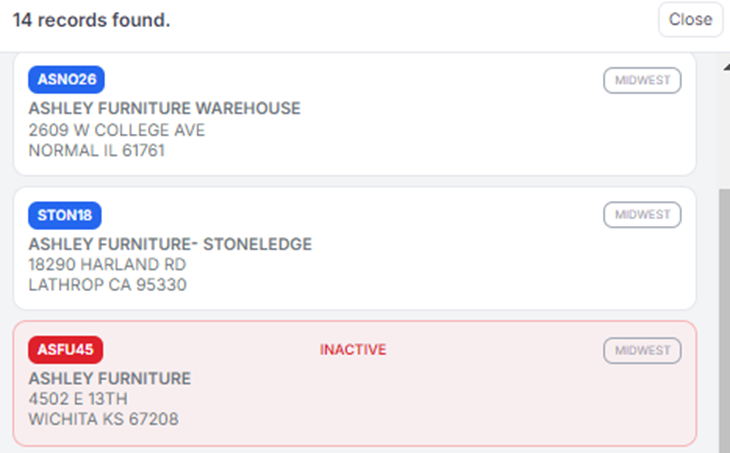
NOTE: If the specific LP code is not known when doing a Query, fill in as many fields as possible to limit the number of returns. If only using the “Name” field to query, the system will return any records that contain that query data even if it appears in the address or city name fields.
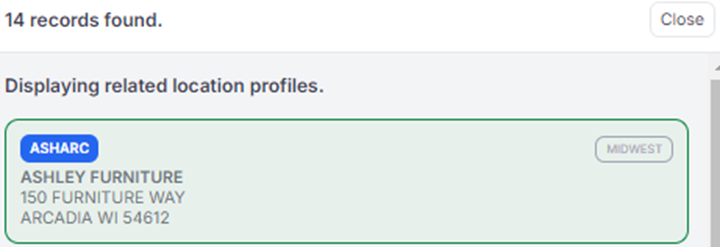
To VIEW a specific LP record when a List of Location Profiles is returned, left click on the desired record to display the details to the right of the screen. The selected LP record will be shaded green. (As below)
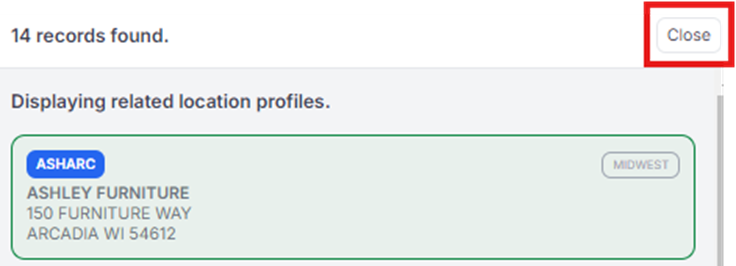
If desired, once a record has been selected to View, left click on the “Close” button to remove the remaining records. (As below)
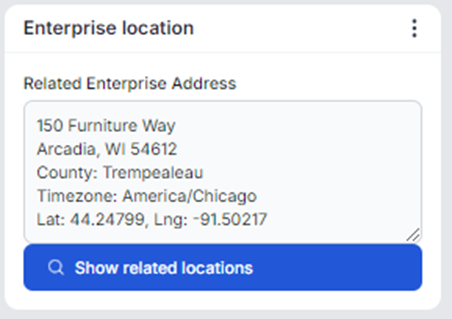
When a LP record is selected, if a “Enterprise location” is detected, that record will display at the bottom right of the screen. (See example below)
Additionally, if the record shows to be “Verified” (snapshot below), this also indicates that an “Enterprise location” record exist.

An “Enterprise location” record can be defined as an enterprise-level address that defines each location profile but is not specific to one company or region.
To QUERY another LP record, hold down the <CTRL> key then hit the Q” key OR left click on the “Search” button located at the top right of the screen. (As below)

