
From SWS main menu go to Customer Service, left-click on Order Entry, then left-click on New Order Screen.
The New Order screen replaces the Legacy version.
A screen with a personalized greeting (similar to the one below) will display screen shortcuts and recent queries:
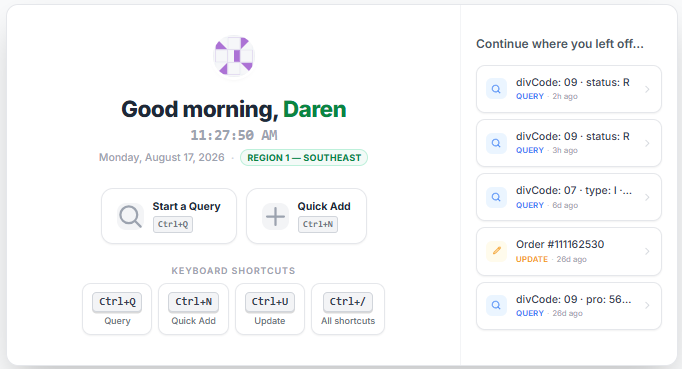
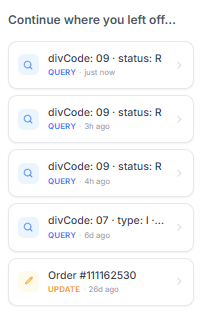
Left-click on a recent query or action under “Continue where you left off…” to launch in the order screen again. (As below)
Use the CTRL+Q command to initiate “Query” mode. The below screen will then display:
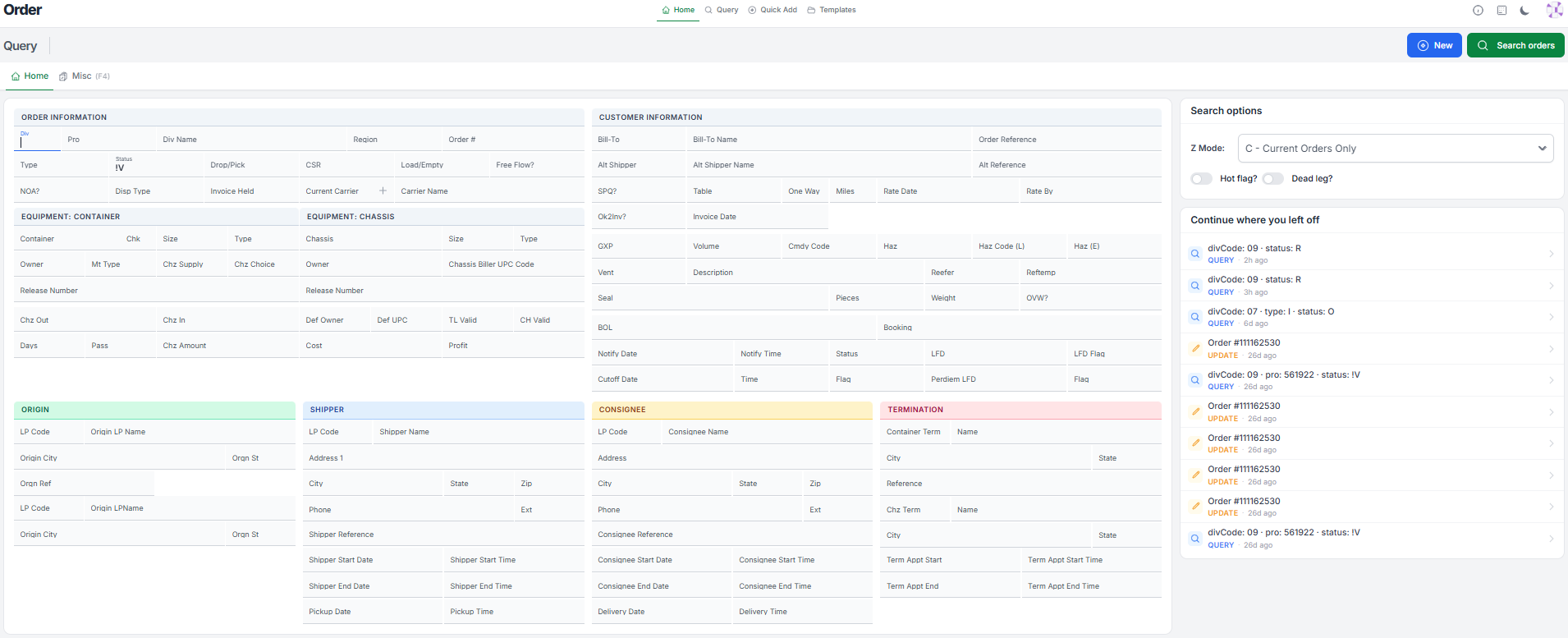
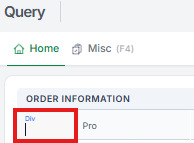
The cursor will be positioned in the “Div” field of the Pro. (As below)
Use the <Tab> button or position the cursor in the additional field(s) you want to “Query”.
When done, use the CTRL+Enter command to execute the “Query” or left click on the “Search orders” action button located at the top of the screen. (As below)

NOTE: To perform another “Query”, repeat the process outlined above.