From SWS main menu go to Customer Service, left-click on Order Entry, then left-click on New Order Screen.
The New Order screen replaces the Legacy version.
Several commonly used “Hot Keys” will display on the screen. (As below)
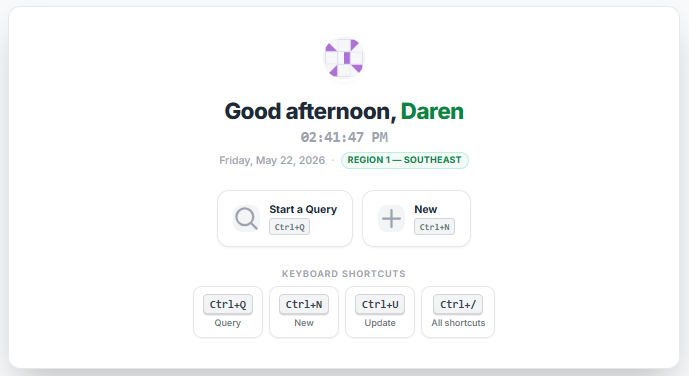
To view a list of “Keyboard Shortcuts” or “Hot Keys” at any time, hold down the <Ctrl> key and hit the backslash button on the keyboard. A window with the available shortcuts will display at the top right of the screen. (See example below)
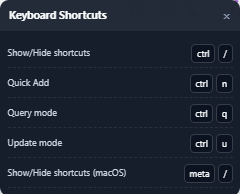
NOTE: The function being used within the Order Screen or section of the Order Screen being viewed/updated can impact the number of Keyboard Shortcuts available for use at that stage so check the list if necessary.
To close/hide the “Keyboard Shortcuts” window, hold down the “Windows” key and hit the backslash button on the keyboard.
Additionally, users can left-click on the below icon located at the top right of the Order Screen to display the “Keyboard Shortcuts”.