
How to look up Division Codes
To look up a division code within a specific Region, from SWS main menu go to Administration, then left click on Division Codes.
The below screen will display:
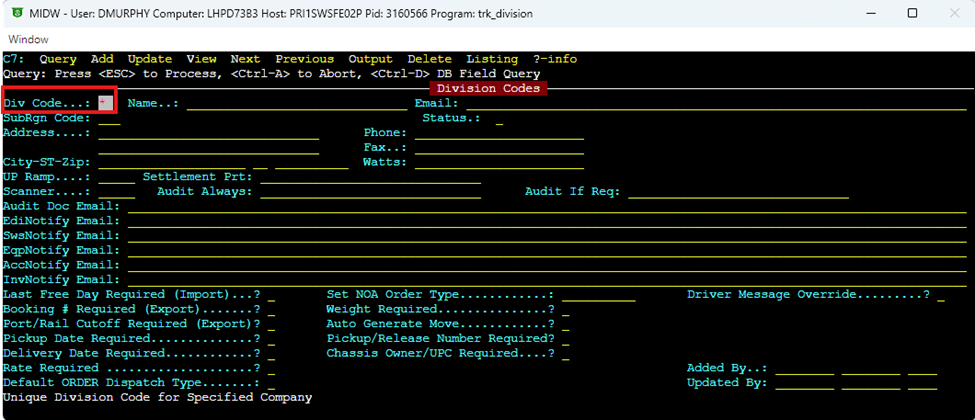
Hit the “Q” key for “Query” and in the “Div Code” field type an * to pull all records.
NOTE: To view only “Active” records, use the “Status” field to select that option. (As below)
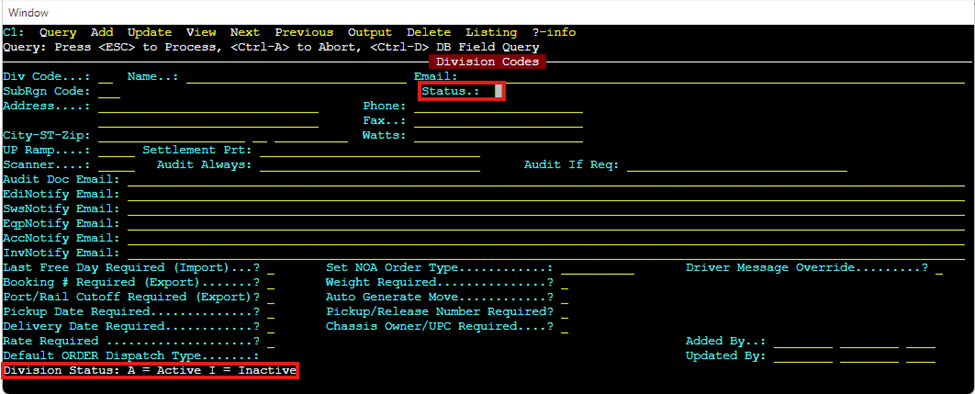
Next, hit the “Esc” key to process the query and view the results.