Preset Filters
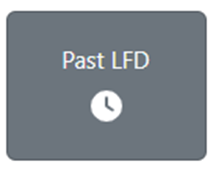
Any of the below “Preset” filters can be applied to a saved filter. Once a saved Filter has been selected (will display in gray), left click on one of the ”Preset” filters below.

The “Preset” filter will display in gray (as below) when applied. To remove the “Preset” filter, left click on the button again.