In order to “Reinstate” an EDI Load Tender back into the Active Queue, once the Tender has been selected from the “Action Bar”, left click on the “More” button. Next, left click on the “Reinstate” button. (As below)
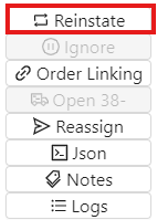
NOTE: This action will be grayed out if not available. An EDI Tender must be in one of these statuses in order to “Reinstate”: IGNORED, VOIDED, DECLINED, UNLINKED or REASSIGN.
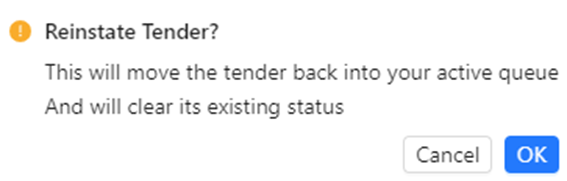
The below message will display. Left click on the blue “OK” button to confirm “Reinstate”. Left click
on the “Cancel” button to return to the EDI Tender.