DNI Order Refresh Error Report Guidelines
First, you will run the DNI PBI report. Next, export it to an Excel file and then save a copy of the file on your pc or laptop.
The FTP folder name is: SWS_Bulk_Rate_Synch_Drop
Users can add this drop file to PC or laptop (think GOES drop file).
Once you have the excel file saved, you will open your file explorer, find the excel file and drag and drop it in the FTP folder.
NOTE: Once dropped, it will process same day at 9pm.
You can only drop 1 file per day
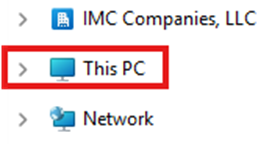
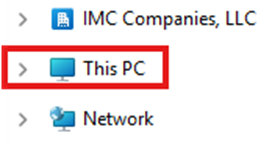
Step 1: Open File Explorer, then click on “This PC”. (As below)
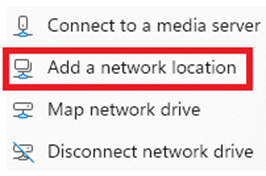
Step 2: From the ribbon at the top, click the three-dot menu (or "Computer" tab in older versions), then click on "Add a network location". (As below)

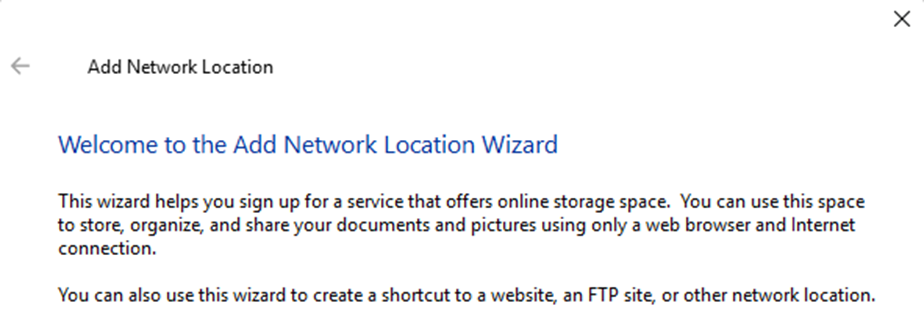
Step 3: Click on the “Next” button within Wizard. (As below)
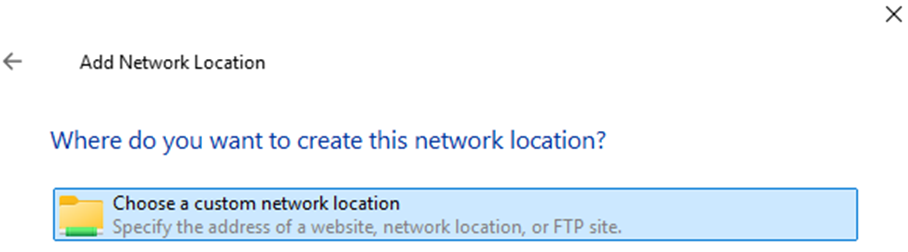
Step 4: “Choose a customer network location” should be the default under “Where do you
want to create this network location?” (As below) Click on the “Next” button.
Step 5: In the “internet or network address” field, enter the below FTP server address:
ftp://PRIAPINT01P.iilogistics.com//SWS_Bulk_Rate_Synch_Drop
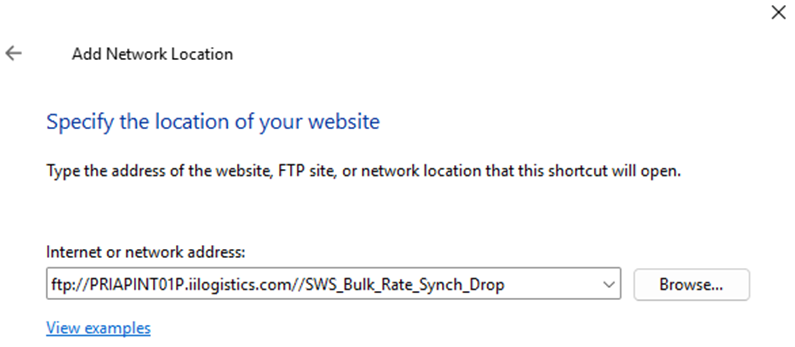
Click on the “Next” button. (As below)
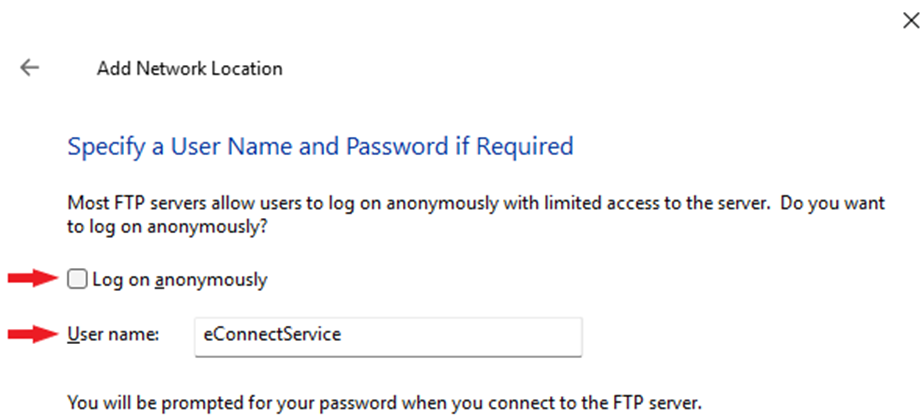
Step 6: Uncheck the “Log on anonymously” box and then type eConnectService in the “User name” field. (As below)
Click on the “Next” button. (As below)
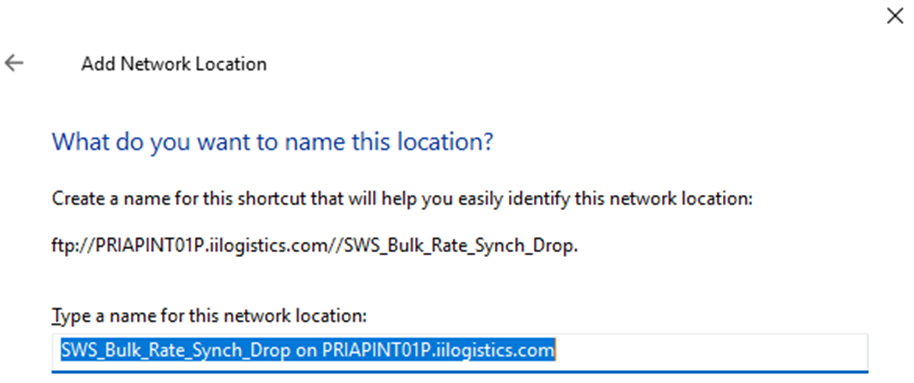
The below screen will display:
Click on the “Next” button. (As below)
Step 7: The below message will display. Uncheck the box below if you do not wish to open the drop file after completing the creation process. (As below)
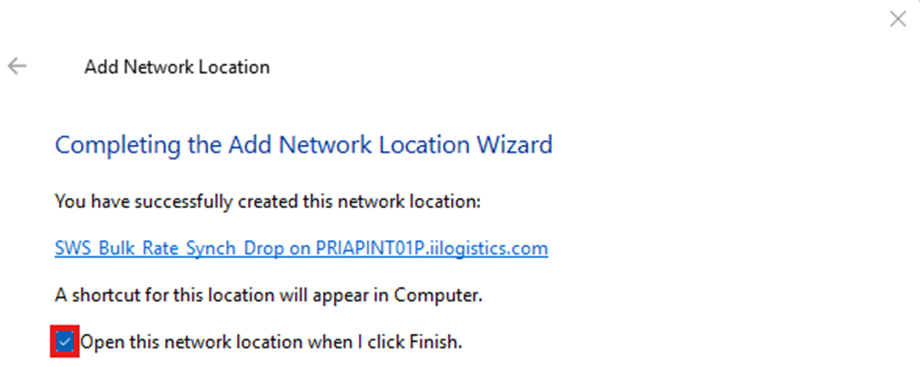
Click on the “Finish” button. (As below)

Once the drop file has been added, click on “This PC”. The newly created drop file will display as
below under “Network locations”.
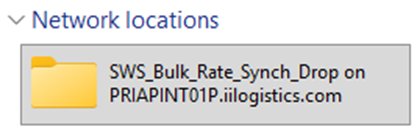
Step 8: Double left click on the drop file. A Log On screen will display requiring a password be entered. (As below)
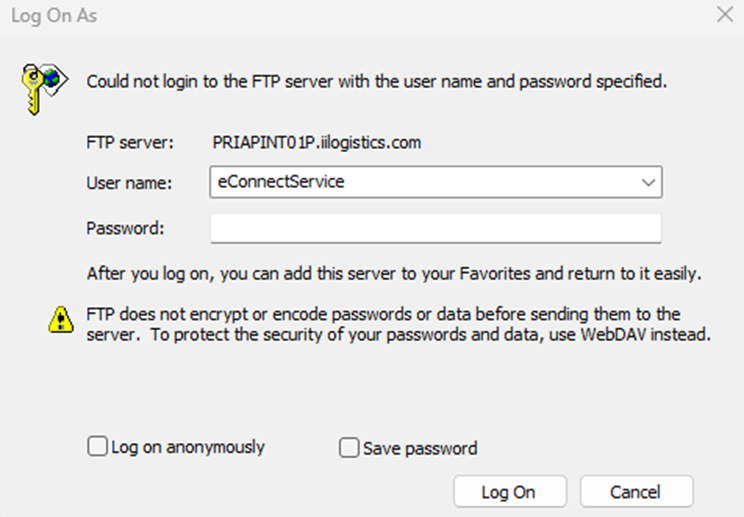
A password must be obtained by:
NOTE: Password entry is a one-time requirement.
Step 1: Double left click on the drop file. (As below)
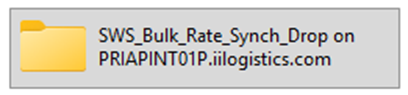
Step 2: The below “backup” subfolder will display. Drop the saved Excel file to the right of this folder.