
J1 EMAIL AUTOMATION SETUP FOR CSX
Follow the below steps to set up the CSX website to automatically forward J1’s to IMC’s inbox used for processing interchanges. By completing this process, uploading J1’s from the BNSF in Power Direct will no longer be necessary.
DISCLAIMER: The CSX website is a 3rd party website and is not managed by IMC. The steps outlined below are current as of 09/23/24. While best efforts will be taken to maintain up to date procedures, be aware that the CSX could change these procedures at any time.
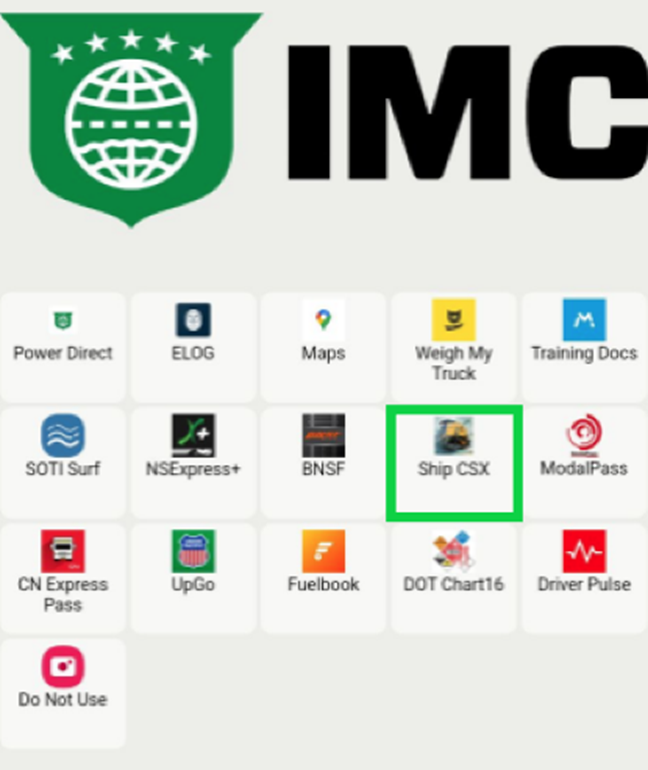
STEP 1: From your tablet (or phone if applicable) tap on the Ship CSX application. (As below)
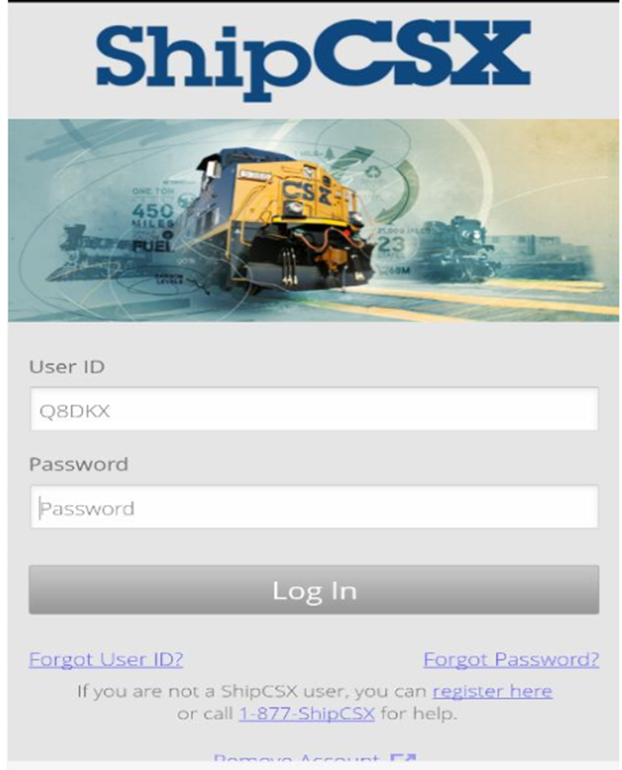
STEP 2: From the login page, enter the “User ID” and “Password” used when first registering on the website. Next, tap on the “LOG IN” button. (As below)
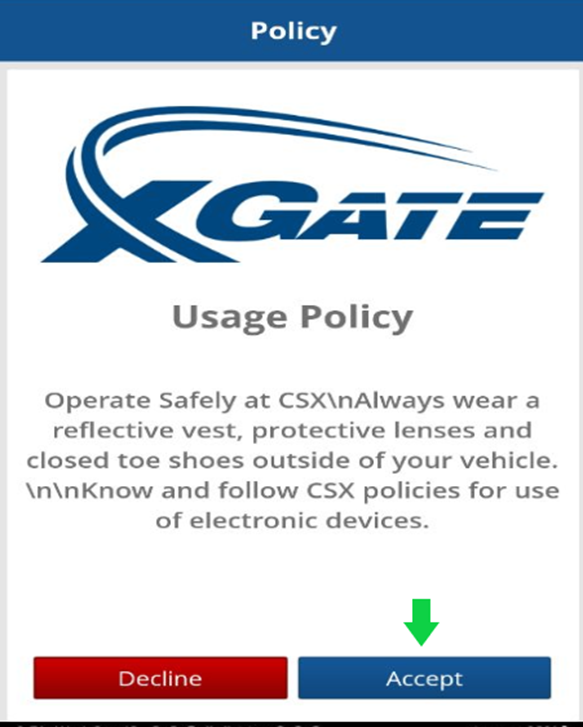
PASO 3: Desde la página "Policy", toca el botón azul "Accept" ubicado en la esquina inferior derecha de la pantalla. (Como se muestra a continuación)
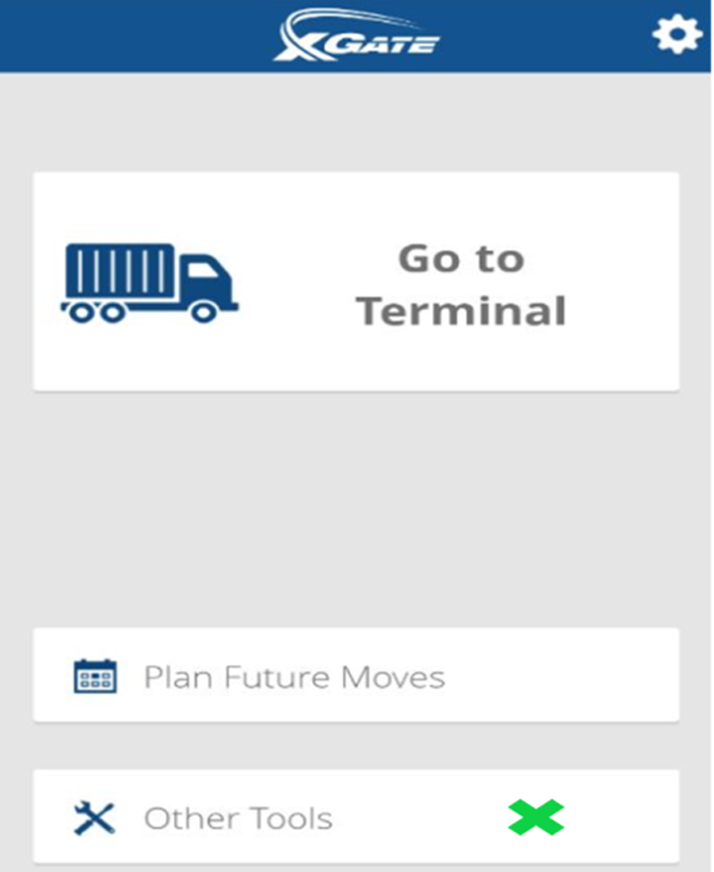
PASO 4: Toca "Other Tools". (Como se muestra a continuación)
PASO 5: Toca "J1 Information". (Como se muestra a continuación)
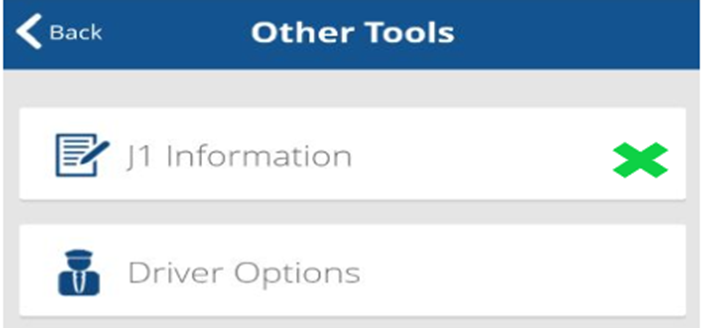
STEP 6: Tap on “Auto Email J1 Receipts”. (As below)
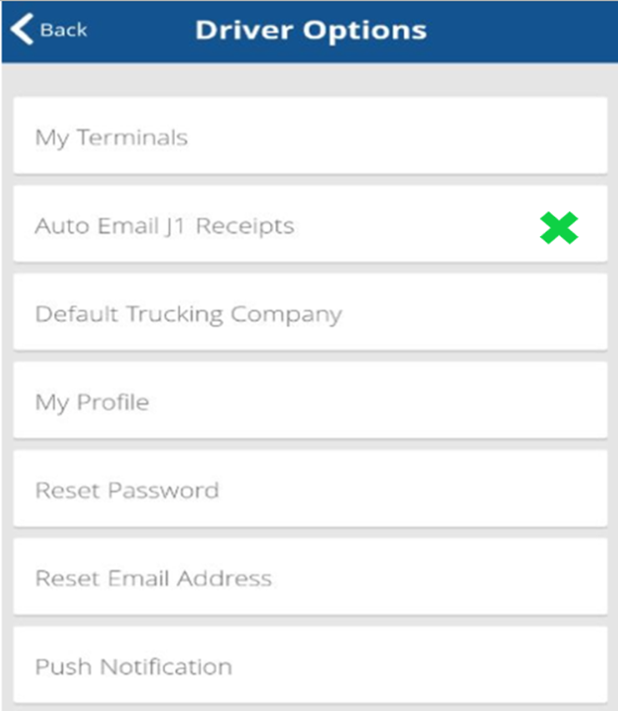
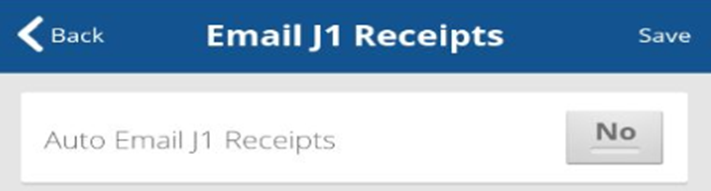
STEP 7: Tap on “Auto Email J1 Receipts” then in the field under “Additional Email Address (Optional)” enter [email protected] in the field. Next, tap on the “No” button to change to “Yes” and to Save the entry. (See below)
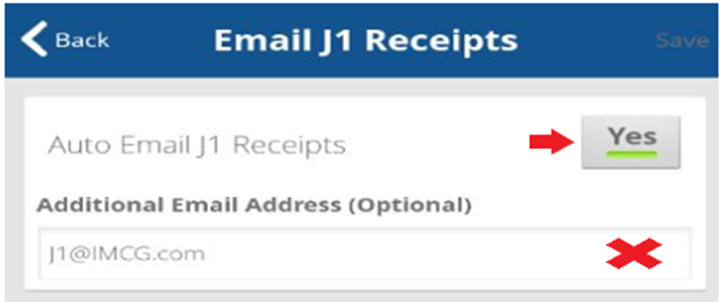
NOTA: Los conductores no pueden ingresar su propia dirección de correo electrónico para recibir los recibos de intercambio y luego reenviarlos a la dirección de correo electrónico J1 de la empresa, ya que el sistema los rechazará. Los intercambios deben recibirse directamente de la dirección de correo electrónico ferroviaria.