Order Screen – EMAP ERRORS
From SWS main menu go to Customer Service, left click on Order Entry, then left click on Order. Next, type a “Q” to “Query”. Next, “Query” the applicable Pro.
When you remove the Invoice Hold flag on an order, the order will go through a validation process. If the Pro falls outside the established invoicing rules, the Exception Management Audit Portal (EMAP) will display the error message below and will not allow the Invoice Hold flag to be removed.

To view the specific EMAP errors from the order screen (instead of going to the EMAP portal), follow these steps:
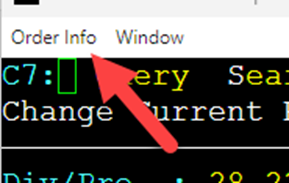
Go to the upper left corner of the order screen.
Click on Order Info
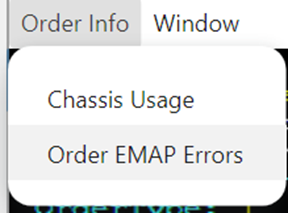
Select Order EMAP Errors
A modal will display listing the validation issues. (Example below)
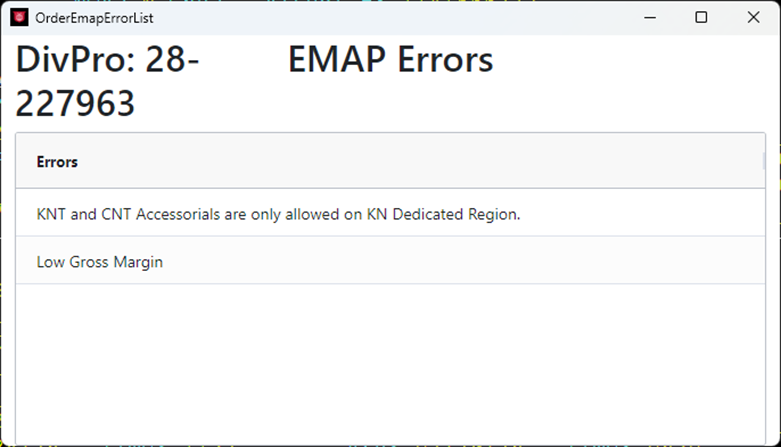
NOTA: Algunos errores se pueden corregir directamente desde la pantalla de pedido. Luego, el pedido se puede revalidar intentando eliminar la bandera Invoice Hold nuevamente.
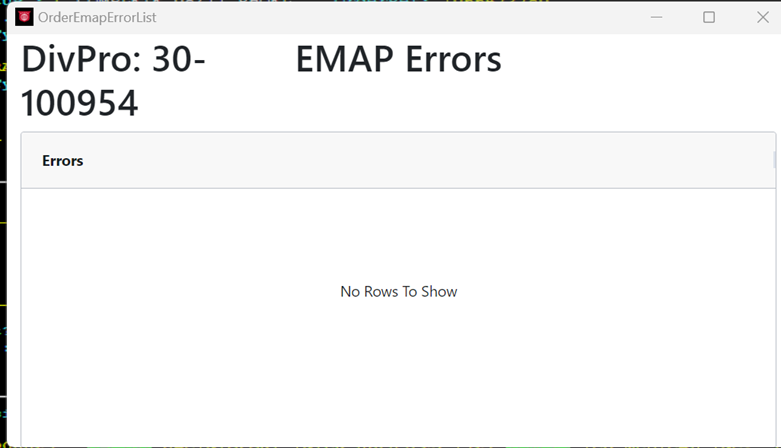
Si no existen errores, el modal se mostrará de la siguiente manera: