From SWS main menu go to Customer Service, left click on Order Entry, then left click on New Order Screen.
The New Order screen replaces the Legacy version.
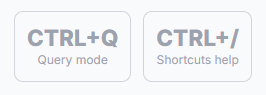
Two “Hot Keys” will display on the screen. (As below)
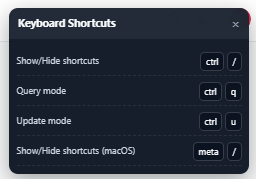
To view a list of “Keyboard Shortcuts” or “Hot Keys”, hold down the <Ctrl> key and hit the backslash button on the keyboard. The below window will display at the top right of the screen:
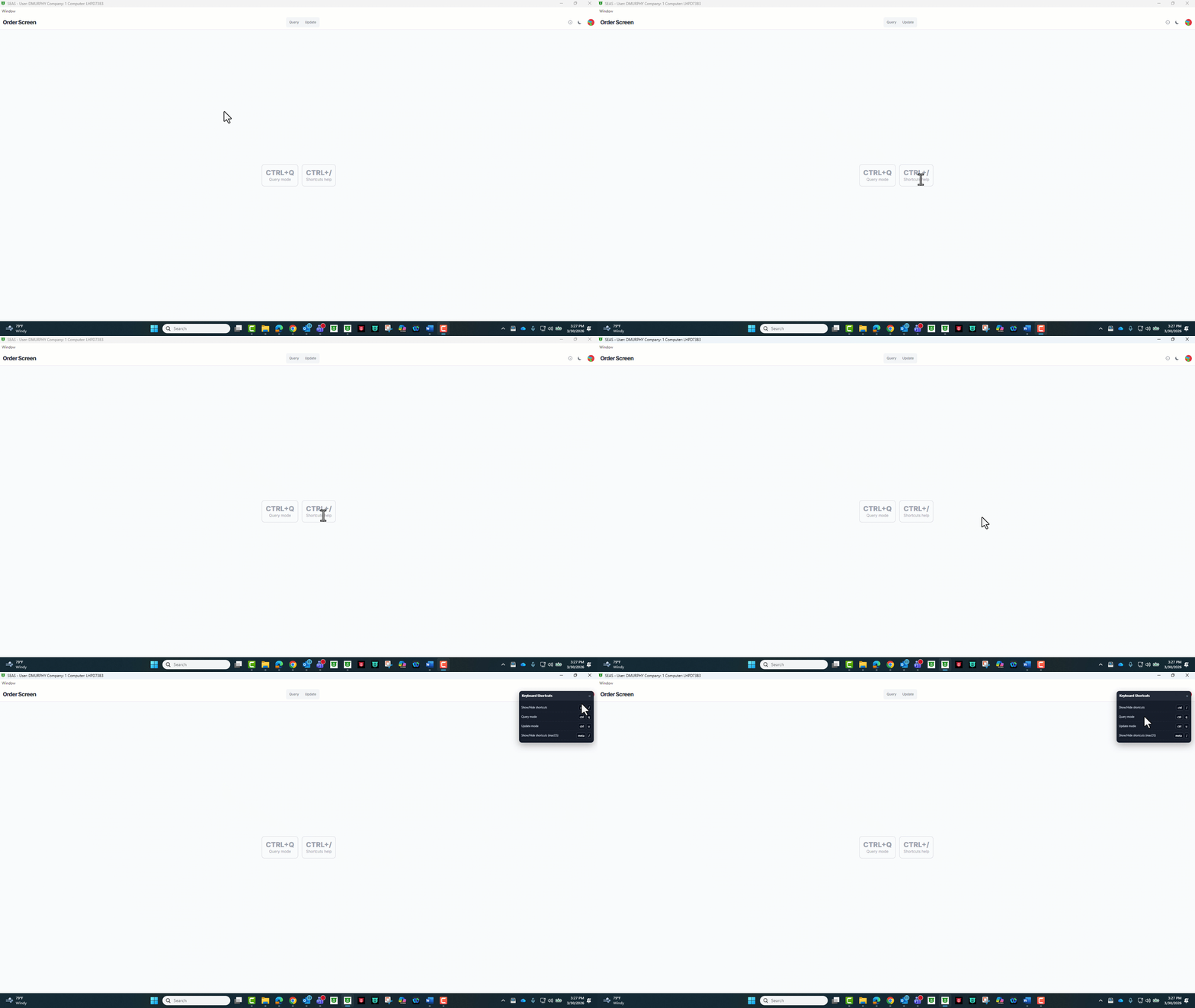
To close/hide the “Keyboard Shortcuts” window, hold down the “Windows” key and hit the backslash button on the keyboard.